
By Stometa · Edited by Kelly · Last verified · 9 min read
Direct answer
Alipay cannot pay at the counter? Turn the VPN fully off, wait three seconds, and scan again. Still failing? Switch cards or use the checker before you start guessing.
- Do this first: Open the VPN app, disconnect fully, wait three seconds, then retry the QR scan.
- If scan still fails: Use the Alipay scan checker before changing settings at random. It walks you through the QR, card, and verification failures.
- Card declined or not supported: Switch to your backup card in Alipay. After the line clears, call your bank and authorize China transactions.
- Emergency fallback: Use cash for this purchase. Carry 300-500 RMB and withdraw from Bank of China or ICBC ATMs.
Standing at the counter right now? Turn your VPN fully off, wait three seconds, and scan again. If it still fails, use the Alipay scan fix checker. Need the full setup from scratch? Go to the payment guide
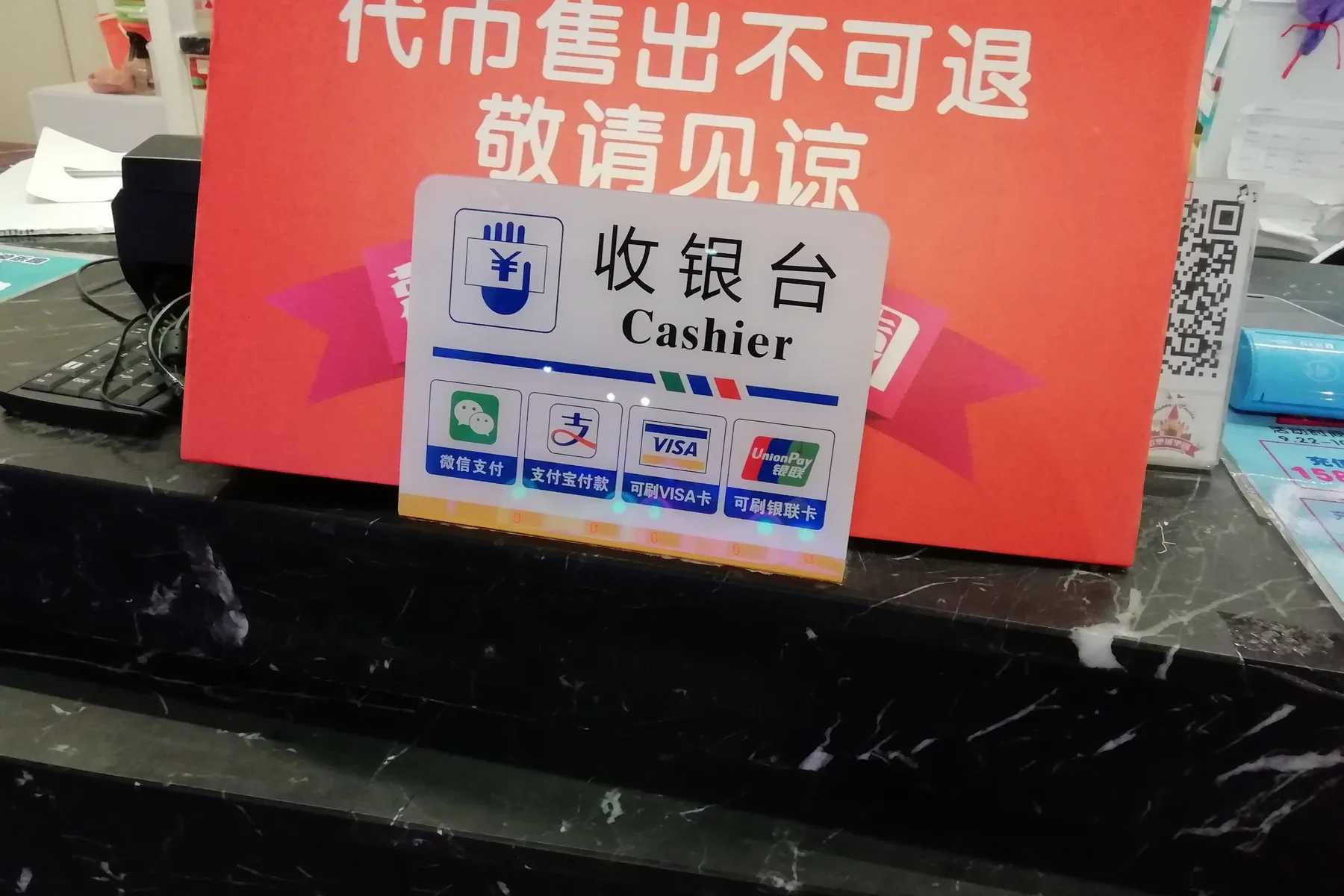
Alipay cannot pay and the cashier is staring at you
Your phone is out, Alipay cannot pay, the QR screen is throwing an error in Chinese, and three people are waiting behind you. Breathe. It is almost always one of three things, and all of them are fixable in under two minutes.
This is not the setup guide. This is the "it broke and I'm standing here" page. Go through the fixes in order — most people are sorted by step two.
Turn off your VPN — this is almost always the problem
Fix number one is fix number one for a reason. About 70% of Alipay failures in China happen because your VPN is still running.
Chinese payment apps — Alipay, WeChat Pay, Didi, all of them — detect VPN connections and block the transaction. Not a bug. They do it on purpose.
Here is what to do:
- Open your VPN app
- Disconnect completely (not "pause" — fully disconnect)
- Wait three seconds
- Go back to Alipay and scan again
That's it. If the payment went through, you are done. Turn the VPN back on afterwards.
(You will forget this at least twice during your trip. Everyone does. Bookmark this page.)
Merchant code error: get a fresh QR code
You scanned, Alipay opened, and now it shows an error about the merchant or the payment method.
What is going on: the vendor's QR code may have expired, or your linked card type does not match what this merchant accepts.
Fix it:
- Ask the vendor for a fresh QR code — say "可以再扫一次吗?" (Can I scan again?) or just point at the code and gesture "refresh"
- Same error again? Force close Alipay completely (swipe it away, don't just minimise it), reopen it, and scan again
- Still failing? Switch your payment method inside Alipay — on the payment screen, tap the card/method selector at the bottom and pick another linked card
- Some small vendors only take WeChat Pay, not Alipay — ask "微信可以吗?" (WeChat OK?) and switch to WeChat Pay if you have it set up
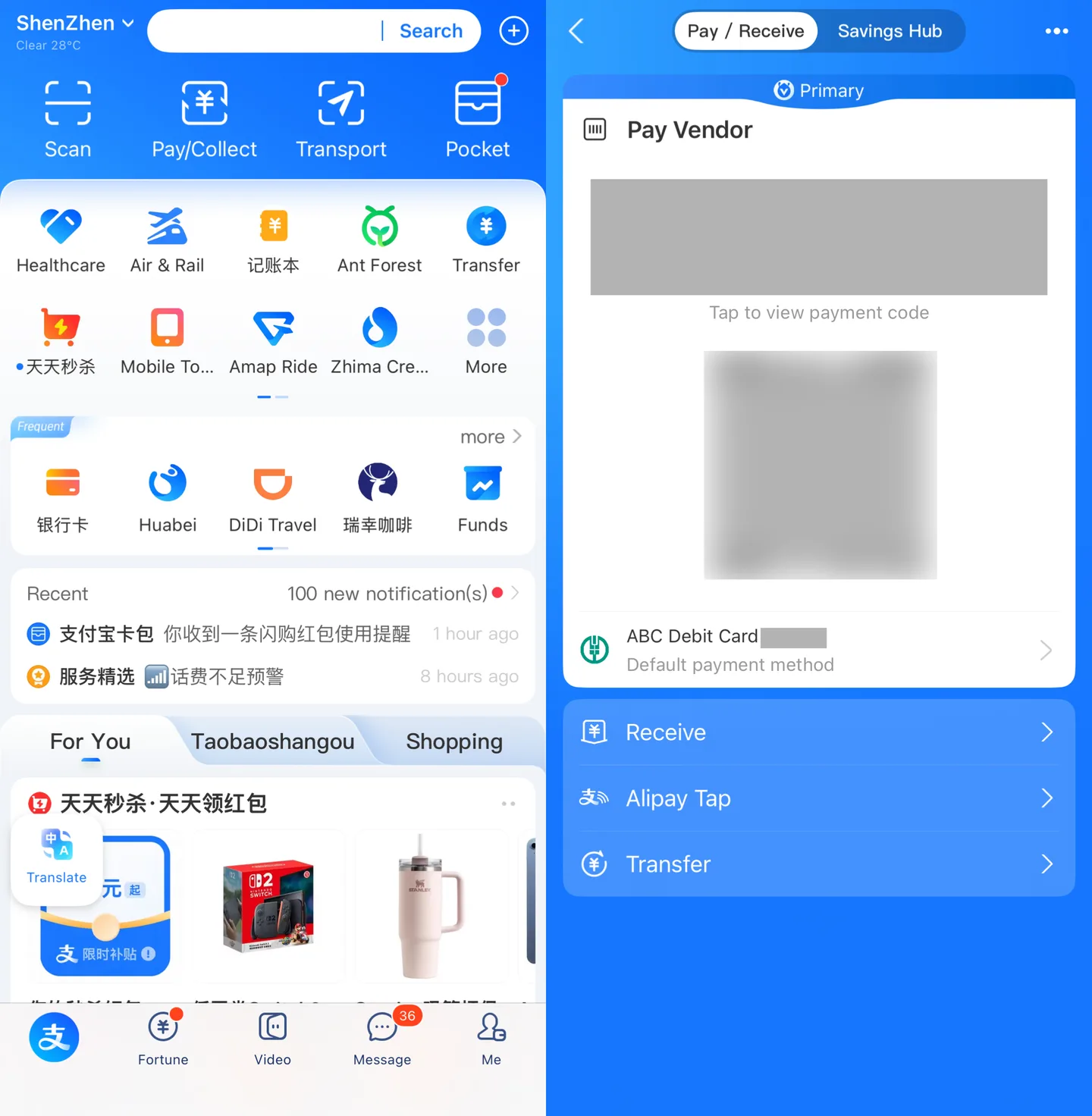
Card declined or "card not supported": it's your bank
Alipay took the scan, then showed a declined, failed, or card not supported message. That is your bank talking, not Alipay.
Why it happens: many foreign banks automatically flag transactions from China as possible fraud. Your card issuer blocked the charge and didn't tell you.
Fix it now:
- Switch to a different card inside Alipay — tap the payment method at the bottom of the scan screen and pick your backup card (this is why every guide tells you to link two cards before you arrive)
- Only one card linked? Pay cash for this one — say "可以用现金吗?" (Can I use cash?)
- Once the queue is behind you, call your bank and tell them to authorize transactions in China — turn your VPN on to reach WhatsApp, Skype, or your banking app for the call
Prevent it next time: before the trip, call your bank and tell them you are travelling to China. Some banks let you set a travel alert yourself in their online portal. Visa cards have fewer issues than Mastercard with Alipay in China.
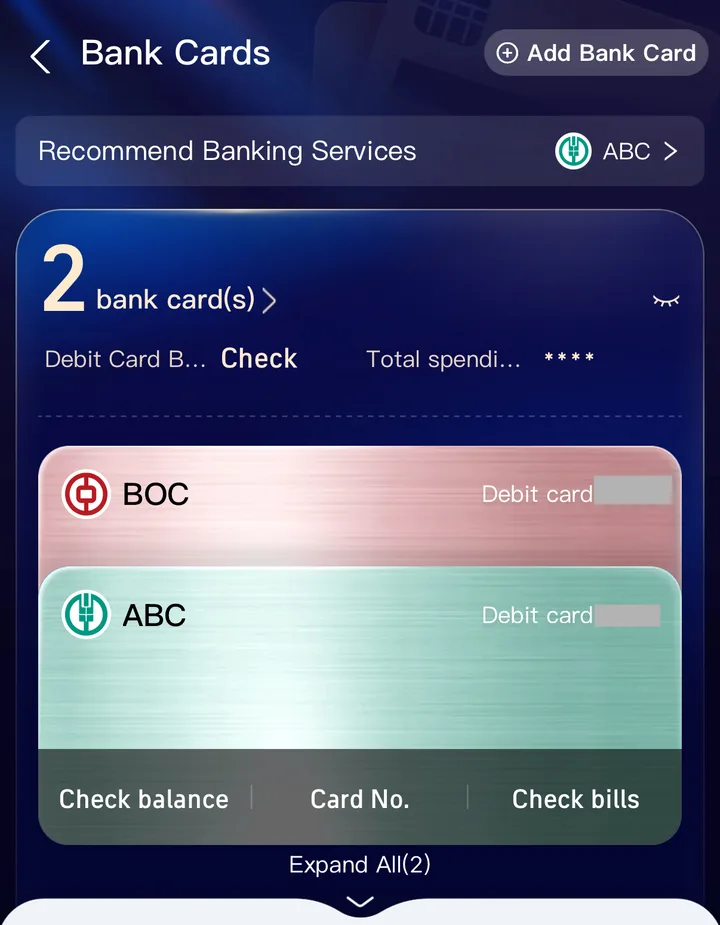
Stuck on Alipay identity verification for foreigners
This one is genuinely annoying. Alipay asks you to verify your identity, you submit your passport photo and selfie, and then... nothing. It asks again. Or it says "verification pending" forever.
What is going on: Alipay's identity check for foreign users is not perfect. The loop usually means the app got stuck mid-check — a network glitch, a cache issue, or the system could not match your selfie to your passport photo.
Fix it:
- Force close Alipay completely
- Clear the app cache (Settings → Apps → Alipay → Clear Cache on Android; delete and reinstall on iOS)
- Switch to WiFi if you were on mobile data, or the other way round — the verification server sometimes responds differently on a different network
- Reopen Alipay and try the verification again
- Make sure your passport photo is clear, well-lit, and shows all four corners of the page
- For the selfie, take off sunglasses and hats, face the camera straight on, and keep the lighting even
If it still loops after three attempts, wait 24 hours and try again. Alipay sometimes rate-limits verification attempts from new foreign users. (Yes, this is frustrating. No, there is no faster workaround.)
You hit a payment cap or fee threshold
Foreign cards on Alipay have a soft threshold at ¥200 per transaction — above that, a 3% fee kicks in. The fee is annoying, but it usually does not block the payment. The bigger problem is the transaction cap, which can run up to US$5,000 after real-name verification but still depends on your card, your bank, and what Alipay thinks of your account that day. Paying for something expensive — dental work, a hotel, electronics — can push you over one of those caps without any clear warning.
Fix it:
- Split the purchase into two or more payments — ask the vendor to divide the charge
- If splitting is not an option, use cash or ask whether they take a foreign credit card directly (some larger stores and clinics do)
- For everyday spending, the ¥200 threshold applies per transaction and is not a hard limit — payments above it usually go through with the 3% fee. If your payment was blocked, the cause is more likely your bank or account verification than the fee threshold
Nothing works — emergency fallbacks
Tried everything above and Alipay is completely dead? You are not stuck. You just need to step outside the QR code world for a moment.
Cash is always accepted. Chinese law requires merchants to accept cash (renminbi). Carry ¥300–500 at all times. Withdraw from Bank of China or ICBC ATMs — they handle foreign Visa and Mastercard consistently. Say "可以用现金吗?" and hand over the notes.
Ask your hotel. Hotel front desks will sometimes pay on your behalf and let you pay them back in cash or with your foreign card. People really do this. Don't be embarrassed to ask — they have seen it before.
WeChat Pay as backup. If Alipay is broken but WeChat Pay works, switch. The setup is harder for foreigners, but if you already have it linked, it runs on the same QR code system.
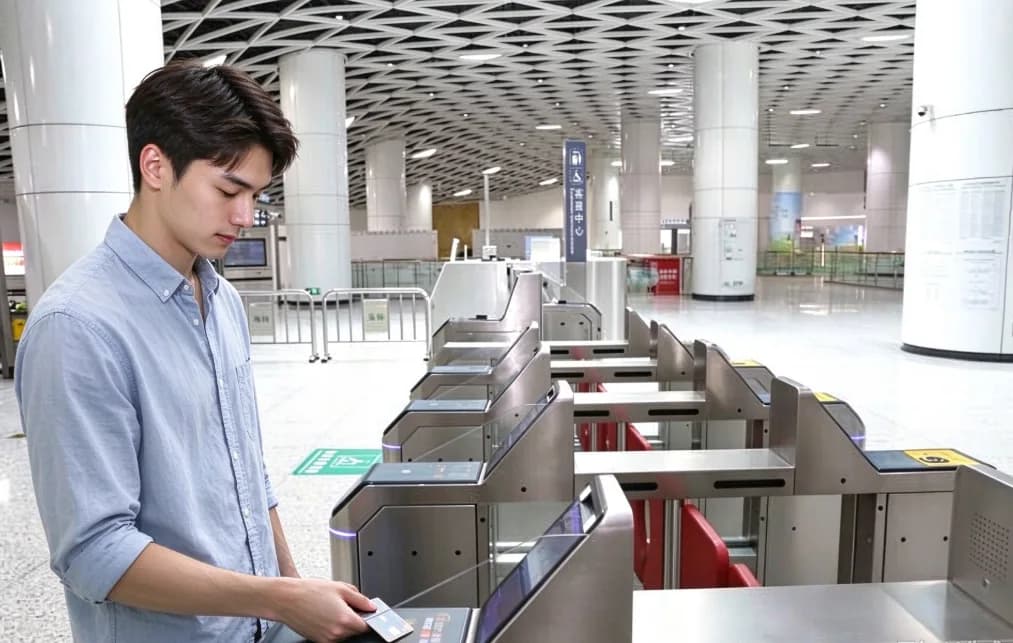
Tap-to-pay is spreading. More and more terminals in Shenzhen now take contactless Visa or Mastercard (look for the tap symbol). Metro turnstiles, some convenience stores, and chain restaurants — not universal yet, but growing. Worth a try if your card is in Apple Pay or Google Pay.
Shop won't accept Alipay? What to actually do in Shenzhen
First, work out whose problem this is. Look at the people in front of you in line. If three other phones just scanned through fine, it is your account, not their POS. If nobody at the counter is scanning anything, their terminal is down and you can stop trying. (Convenience-store cashiers will sometimes wave the next person forward and quietly reset the machine — that is your tell.)
The sentence to memorise — 我可以付现金吗? (Wǒ kěyǐ fù xiànjīn ma? — "Can I pay cash?"). Hold up your phone screen, gesture at your wallet, hand over the notes. Don't try to mime an explanation in English. Cash works at every register in Shenzhen by law, even if the cashier looks annoyed.
At a food court or a chain like Family Mart or 7-Eleven, walking three doors down to the next vendor selling the same thing is faster than fighting it. Convenience-store staff in Futian and around COCO Park have run this scene with foreigners 100 times — they will take cash without comment, or in some cases tap a foreign Visa as a manual override. Don't try to set up WeChat Pay at the counter — only switch if you already linked it before the trip.
The one safety net nobody mentions: hotel front desks. Chain hotels like JinJiang or Atour will quietly pay on your behalf and let you pay them back. Use the Alipay scan checker to rule out the common fixes first, then read the cash backup section in the payment guide for ATM locations.
Prevent this from happening again
These three habits head off 90% of Alipay problems before they start:
- Link two cards before you travel. Visa + Mastercard, or two Visa cards from different banks. If one gets blocked, the backup is ready.
- Call your bank before you fly. Tell them you are travelling to China and ask them to whitelist transactions from Chinese merchants. A two-minute call that saves you from standing at a register wondering why your card was declined.
- Train the VPN toggle. Build the habit: VPN off before any payment app, VPN back on after. It takes three seconds and prevents the most common failure.
Related guides
- How to pay in Shenzhen — the full Alipay and WeChat Pay setup guide, from zero to working QR payments
- Alipay scan fix checker — use this when the QR code fails and someone is waiting behind you
- When things go wrong — VPN dropped, Google Maps dead, lost passport — the emergency manual for everything else
- Arrival checklist — if this is day one and everything feels chaotic, start here and go step by step
Questions
Why can't I pay with Alipay in China?
Most of the time your VPN is still on. Chinese payment apps detect VPN connections and block the payment on purpose. Disconnect the VPN fully, wait three seconds, and scan again. That alone fixes about 70% of Alipay failures in China.
Why is my Alipay not working?
Work through it in order: VPN fully off, then a fresh QR code from the vendor, then a different card inside Alipay. If none of that works, pay cash for this purchase and sort the account out after the queue clears.
Why does Alipay say my card is not supported or declined?
It is almost always your bank, not Alipay. Many foreign banks flag China transactions as fraud and block them without telling you. Switch to your backup card in Alipay, then call your bank and authorize payments in China. Visa cards generally work better than Mastercard with Alipay.
How does Alipay identity verification work for foreigners?
You submit a photo of your passport and a selfie, and Alipay matches the two. If it sticks on verification pending, force close the app, switch between WiFi and mobile data, and resubmit with a clear passport photo showing all four corners. After three failed tries, wait 24 hours — Alipay rate-limits new foreign accounts.
What does the Alipay merchant code error mean?
The vendor's QR code has usually expired, or your payment method does not match what the merchant accepts. Ask for a fresh QR code. If the error comes back, force close Alipay, reopen it, scan again, and try switching to another linked card.
Why is my Alipay QR code not working?
Usually your VPN is still on, the vendor's QR code expired, or Alipay is stuck on the wrong payment card. Turn the VPN fully off, wait three seconds, scan again, then ask for a fresh QR code and switch cards before falling back to cash.
Can I use Alipay without a VPN in China?
Yes, and you should. Alipay runs on the regular Chinese internet, so no VPN is needed. Having the VPN on is the number one reason Alipay fails. Turn it off before you open Alipay, WeChat Pay, or any Chinese payment app.
What should I do if Alipay does not work at all in China?
Pay cash. Merchants in China must accept it by law, so carry 300 to 500 yuan at all times. You can withdraw yuan from Bank of China or ICBC ATMs with a foreign Visa or Mastercard.
What do I do if a shop in Shenzhen won't accept Alipay?
Read the room first — if other people are checking out fine, it is your account, not their POS. Say 我可以付现金吗 and pay cash, or walk three doors down to the next vendor selling the same thing. Hotel front desks are the real safety net if nothing else works.
Should I use WeChat Pay or cash when Alipay fails in China?
Only switch to WeChat Pay if you already linked it before the trip. Setting it up at the counter will not work. Cash is the better fallback in the moment — keep 300 to 500 yuan on you. Bank of China and ICBC ATMs are the most reliable backup when you run out.
Why does adding my foreign card to Alipay keep failing?
Most foreign banks block China transactions by default, and the failure shows up as a generic Alipay error. Call your bank to enable international use before you fly, then try a different card if the first one still bounces. Visa cards link to Alipay more reliably than Mastercard for foreign users.
Change log and review scheduleExpand
Facts reviewed
Content updated
First published
Next review due
Jul 17, 2026
Did this actually work for you?